⏱️ Reading time: 7 minutes
It depends whose photo it is. To keep a post handy inside the app, tap the bookmark icon under it: it lands in your Saved tab, which nobody else can see. To get your own photos back as actual files, switch on “Save original posts” or request a download of your information. For someone else’s photo, Instagram gives you no download button at all, so a screenshot is the usual move. If your real goal is to be seen, work on your Instagram followers instead.
Two very different questions
“Saving a photo on Instagram” means two opposite things, which is exactly why most answers online miss the point.
The first case: you want to find a post again later, or you want a copy of something you published yourself. Instagram planned for all of that. The tools sit inside the app and they cost nothing.
The second case: the photo belongs to somebody else and you want the file on your phone. Here the app offers nothing, on purpose. The two situations have different steps and different rules, so let’s keep them apart.
Saving a post inside Instagram
This is the feature most people are looking for without knowing its name. It downloads nothing. It simply files the post away in a private corner of your account.
- Open the post you care about, whether it is in your feed, on a profile or in Explore.
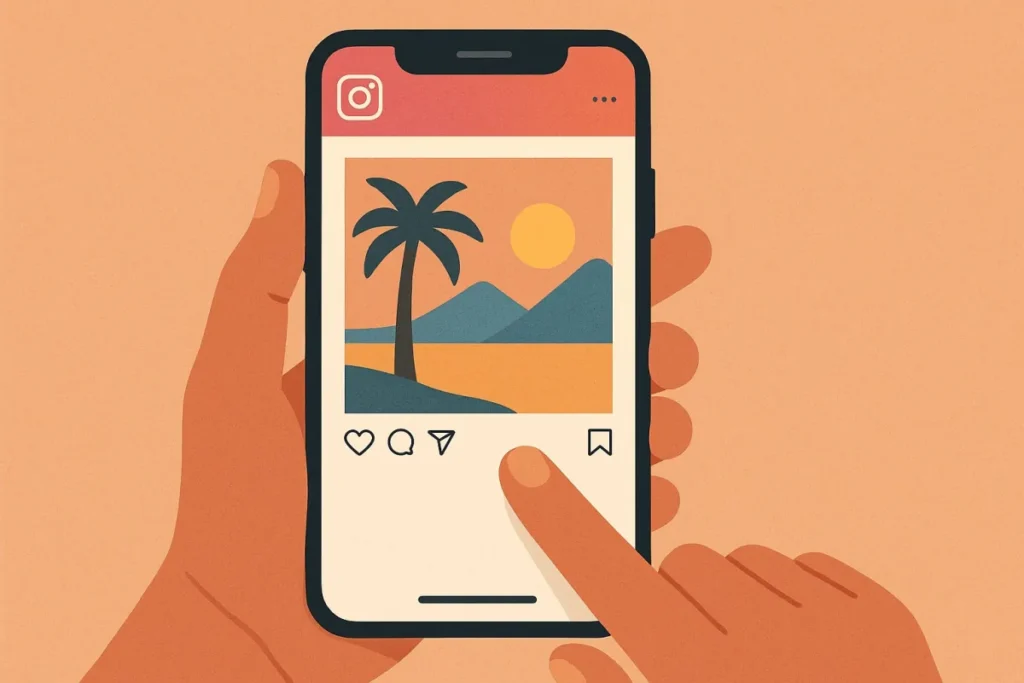
- Tap the bookmark icon, the little ribbon on the right below the photo. It fills in and a “Saved” message flashes for a second.
- To find your saves again, go to your profile, open the menu at the top right, then tap Saved.
A few extra things. Nobody gets told: a professional account sees the total number of saves in its insights, never the list of accounts behind them. It works on photos, carousels and Reels alike. And if the person deletes the post or switches to private, your save disappears with it, because all you saved was a shortcut to their content.
Sorting your saves into collections
After two hundred saved posts the list becomes useless. Collections exist for that reason: they are themed folders, along the lines of “recipes”, “interiors” or “Reel ideas”.
Press and hold the bookmark icon instead of tapping it, and a menu offers “Save to collection”. Tap the plus button, name the folder, confirm. Later saves can go straight into it. From the Saved tab you can also create an empty collection first, then move posts you had already set aside into it.
Collections stay private by default. Instagram does let you invite other accounts into a shared collection, which is handy when several people are planning a trip or a project together. Everyone invited then sees what you add, so keep that for folders created on purpose.
@instagramcreators Instagram’s own creators account shows how to organise saved posts into collections.
Getting your own photos onto your phone
Your own posts are a different story. You are entitled to the file, and the app helps you get it.
The setting to switch on once and forget. Open Settings, then “Your app and media”, then “Archiving and downloading”. Turn on “Save original posts”. From that moment every photo you publish also lands in your phone gallery, edits included. Just below it, “Save story to gallery” does the same for stories, and “Save story to archive” keeps expired stories inside the app.
For something already online. On a Reel you posted, the three dot menu offers “Save to gallery”. In the stories archive, every story shows a download arrow. A plain feed photo is the exception: there is no button, so the only clean route is the data download explained below.
One piece of advice photographers learn the hard way: turn the setting on before you publish, not after. It never works retroactively, and the copy it keeps is far better than any screenshot.
Downloading everything you have posted
Instagram is required to hand your data back, and the tool is built in. It is also the method that gives the best quality for older photos.
- Open Settings, then the Accounts Center at the top of the screen.
- Go to “Your information and permissions”, then “Download your information”.
- Request a download, pick the account, then choose “Some of your information” so you can tick only Posts, Stories or Reels.
- Pick HTML if you want to browse the result, JSON if you want to process it, and set media quality to high.
- Confirm. Instagram emails you a link, usually within a few hours, sometimes a day or two for an old account.
What arrives is a zip archive with your photos at full resolution, sorted into folders. This is the backup to run before switching phones, before deleting an account, or simply once a year. Plenty of creators rediscover pictures they thought were gone, enough to fill several weeks of posting and pull in a fresh wave of Instagram likes.
Saving someone else’s photo
Straight answer: Instagram offers no download button on another account’s post, not in the app and not on the website. This is not an oversight. It has been a deliberate choice since the early days, and it protects creators as much as it keeps people inside the app.
So the usual move is a screenshot. Open the photo full screen, press your phone’s button combination, then crop it in your gallery. No notification goes out for posts, stories or Reels. The one exception is disappearing photos sent in a direct message, in view once mode or vanish mode, where the sender is told.
The catch is quality. A screenshot captures your screen’s resolution rather than the original file, and you usually take a few interface buttons with it. Fine for personal use. Not fine for anything serious.
We will not point you to any downloader site or app. Those services live off two things: aggressive advertising and, at worst, your login details. An Instagram account plugged into one of them regularly ends up logged out, used to send spam, sometimes lost for good. No file is worth that.
Two honest routes are left. Ask, for a start: a polite message to the creator gets you the original file far more often than people expect. Or use the sharing tools Instagram already provides, a direct message or a reshare to your story, both of which show the author’s name and keep the link back to the post.
Who owns the picture
The rule is simple: the photo belongs to whoever took it. Posting it on Instagram does not make it free to use, it only gives Meta permission to display it in the app. You personally gain nothing along the way.
In practice, saving an image to look at later bothers nobody, while reposting it on your account, dropping it in a story with no credit, printing it or using it in an ad is infringement. The author can have the post taken down with a single report, and repeat offences cost you the account.
A second rule sits on top of the first in much of Europe: image rights. Someone recognisable in a photo can object to it being published even when you took the shot. The two rights add up rather than cancel out.
None of this is hard to respect. Credit, ask, or reshare through the app’s own sharing tools, which keep the link to the original. It also happens to be what works: accounts that reshare with credit get thank you messages, shares in return and Instagram comments, while accounts that scrape end up reported.
@dadchats A lawyer explains when you may reuse someone else’s content and when you may not.
Your photos deserve more than a folder
Give your posts the audience that makes other people hit save.
FAQ
Where are my saved photos on Instagram? saved
Does the creator know I saved their photo? notification
How do I download an Instagram photo to my phone? download
Can I repost someone else’s photo? rights
Why are my Instagram photos not saving to my gallery? settings
Our Instagram offers
-
Instagram
Buy Instagram comments
Price range: 0,39 € through 0,99 € View offers This product has multiple variants. The options may be chosen on the product page -
Instagram
Buy Instagram Followers
Price range: 2,90 € through 2499,90 € View offers This product has multiple variants. The options may be chosen on the product page -
Instagram
Buy Instagram Likes
Price range: 2,90 € through 499,90 € View offers This product has multiple variants. The options may be chosen on the product page -
Instagram
Buy Instagram Reel comments
Price range: 0,39 € through 0,99 € View offers This product has multiple variants. The options may be chosen on the product page