⏱️ Reading time: 7 minutes
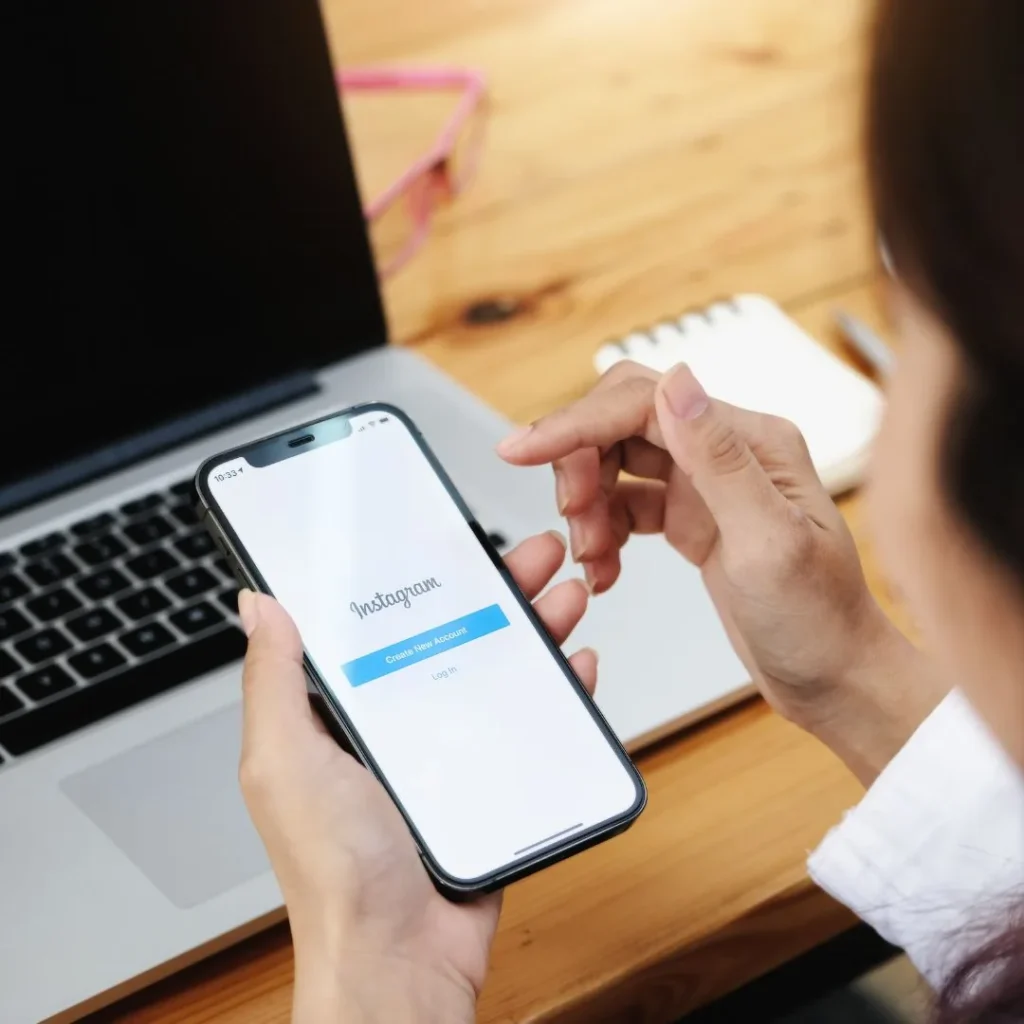
Instagram has no support phone number and no support email address. You reach it through specific forms, one per situation: instagram.com/hacked for a hacked account, a dedicated form for an account disabled by mistake, another one for impersonation, and the in-app “request a review” button for a moderation decision. Meta Verified subscribers also get chat support with a human. This page gives you the right link and the real waiting time for each case. If your account is healthy and you mostly want to grow it, look at Instagram followers instead.
What actually exists, and what does not
The part that wastes the most time first. Instagram publishes no support phone number for regular users. None. The toll numbers, the “Meta hotlines” and the sponsored listings at the top of some searches all belong to scammers. There is no general support email either: the old support@ and security@ addresses are no longer read, and writing to them opens no ticket at all.
Five doors are left open in September 2026:
- In-app reporting, for a piece of content, an account or a bug.
- Help Centre forms, one per problem, reachable without being logged in.
- The review button, inside the Support Requests inbox on your profile.
- Chat support, limited to Meta Verified subscribers and accounts that run ads.
- An appeal to an independent body, once Meta’s internal reviews are exhausted.
One detail matters this year. The AI-assisted recovery tool known internally as High Touch Support was switched off by Meta after a flaw exploited between April and May 2026 let attackers take over slightly more than 20,000 Instagram accounts. Any tutorial telling you to “chat with the AI assistant to get your account back” was written before that. Use the forms.
A lawyer sums up what to do when an account is hacked: report it to the platform, keep the evidence, file a complaint. ♬ son original – Yann-Mael LARHER Avocat Paris
Watch on TikTok
Hacked account: the form to use
This is the urgent case, and the one where the order of your moves matters more than the wording of your message.
- Open instagram.com/hacked in a browser, on the device you used to be logged in on. Instagram recognises the hardware and shortens the checks.
- Pick the description that fits: password changed, email address swapped, posts you did not publish.
- If the email was swapped, search your inbox for the “your email address was changed” message and click Revert this change. That link stays live for a few days and fixes the whole thing in a minute.
- Otherwise ask for a security code, then accept the video selfie check: you turn your head left and right, and Instagram compares it with the photos on the account.
- Still stuck? Follow the Help Centre recovery path on hacked accounts with the original email address ready, the phone model you signed up on and an old password.
Observed timing: instant automated reply, then a decision on the video selfie within 24 to 48 hours. Cases handled by hand, when no selfie is offered, take one to three weeks. Follow up once a week at most, since repeated submissions push your case back down the queue.
Account disabled or suspended by mistake
When Instagram tells you your account is suspended, the app nearly always shows a Request review button. Use it first. It is the fastest route and it opens a case tied to your username.
The public form that most tutorials still cite is gone: it now lands on the help centre home page. Instagram states that the appeal goes through logging in and following the on-screen instructions, on its page About disabled Instagram accounts. Have your full name ready, your exact username without the @, the email and phone linked to the account, and a photo of a government ID: a submission without ID is closed unread in almost every case.
One or two sentences in the text box are plenty: say what you post, say you received no explanation, ask for a review. Long pleas change nothing, and nobody reads them to the end.
Observed timing: 24 hours to 15 days. Accounts attached to an ads manager often clear in two days, personal accounts with no ad history in one to two weeks.
What to do when a Meta account gets disabled, form by form. ♬ Stylish BGM like instrumental hip hop – Tagord
Watch on TikTok
Someone is impersonating you
A fake account using your photo and your name goes through a specific form, not the ordinary in-app report. The right link is report an account that is impersonating you, and Instagram only acts on requests sent by the person being impersonated or their legal representative, a parent included.
Two things speed the case up: a readable ID document, and the exact link to the fake profile in the form instagram.com/username. Screenshots on their own are not enough. Report the account from the app in parallel as well, to leave a second trace.
Observed timing: 48 hours to a week. Fakes copying a verified profile go down faster, because Meta Verified impersonation monitoring flags them on its own.
Post removed: how to request a review
A photo, a Reel or a comment taken down triggers a notification with a Request review button. The manual path, once you have dismissed that notification: your profile, menu, Settings and privacy, Account Status. Every decision is listed there, with the rule invoked and the state of your appeal.
The review is free and you can ask for it twice on the same decision. After the second answer, the internal door closes, and the external appeal takes over.
Worth knowing if you are contesting a takedown for “inauthentic engagement”: that is usually an automated sweep rather than a decision aimed at you. Posts do come back after review fairly often. Meanwhile, keep your activity ordinary and avoid firing off rapid actions, or a rate limit will land on top of everything else.
The independent appeal, after two refusals
Few people know this: Meta’s content decisions can be taken to bodies that do not answer to the company.
The first is the Oversight Board, funded by an independent trust. After two refused reviews, a reference code lands in your support requests, and you enter it at oversightboard.com. You have 15 days from the final decision to file, and that window does not reopen. The board only takes a small share of cases, but the ones it rules on set the standard for everybody.
The second applies to the European Union only: the Appeals Centre Europe, based in Dublin and certified under the Digital Services Act. It reviews moderation disputes on Instagram, Facebook, TikTok, YouTube and Pinterest free of charge, and issues an opinion within a few weeks. Meta is not bound by it, but follows it in most cases.
Meta Verified chat support
This is the only channel where a human answers the same day, and it is paid. Meta Verified costs roughly 15 dollars a month from the web and 18 through the iOS or Android app, with the price varying by country.
It opens a chat with support agents, reachable under Settings, Meta Verified, Support, covering login trouble, hacked accounts and removed content. Business tiers add a callback from an agent, which remains the only way to get Instagram on the phone.
Is it worth subscribing just for that? If your account feeds a business, yes, a month of subscription costs less than a week of waiting. For a personal account locked once, the free form does get there in the end. And for visibility alone the badge changes little: better to work on the posts themselves and give them an early push with Instagram likes.
Fake numbers and fake account recovery services
A lost account makes people credulous, and a whole market lives off that. The same three setups keep turning up.
- The paid support line. A fake Meta subscription invoice arrives by email with a number to call back. On the other end, someone asks for your card details. Meta never charges for support.
- The “ethical hacker” on Instagram or Telegram. Recovery in 24 hours for 50 to 300 dollars, and he wants your username, your email and sometimes a login code. He has no special access: he fills in the same form you would, or he steals the account you have left.
- The fake support message. An account called something like “instagram.help.2026” tells you a violation was detected and asks you to log in on a page that looks like Instagram. Meta never asks for your password in a message.
Remember this: Instagram answers inside the app, in the Support Requests inbox, or by email from a @mail.instagram.com domain. You can check any message you receive under Settings, Emails from Instagram, which lists every official send from the last 14 days. A message missing from that list is a fake.
Real waiting times, case by case
These ranges come from user reports over recent months. They move with team workload and with your country.
- Hacked account, video selfie accepted: 24 to 48 hours.
- Hacked account, manual case: 1 to 3 weeks.
- Disabled account, in-app review: 24 hours to 15 days.
- Impersonation: 48 hours to 1 week.
- Removed content, review: a few hours to 3 days.
- Appeals Centre Europe: several weeks.
- Meta Verified chat: a few hours.
One last piece of advice: keep a record of everything. Case number, date sent, screenshot of the error screen. If the account feeds a business and the block drags on, that file is what you take to the police report and, in Europe, to the Appeals Centre.
Account back online?
Restart the engine instead of waiting weeks: a base of real followers gives your posts reach again within days.