⏱️ Reading time: 8 minutes
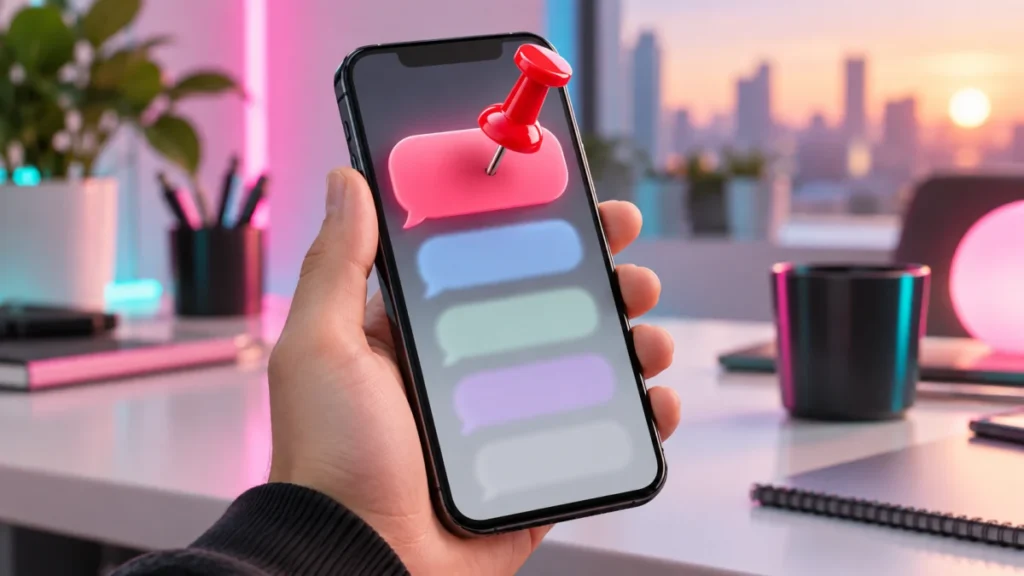
To pin a comment on TikTok, open the comments on your own video in the app, press and hold the comment you want and tap “Pin”. It jumps to the top of the list with a “Pinned” tag. Two catches: it only works on your videos, and since 2025 a share of accounts no longer see the option at all. On LIVE it’s a different menu, and that one is documented by TikTok. A good comment at the top keeps the conversation going, and a few TikTok likes give your video the first push that brings those comments in.
How do you pin a comment under your video?
It takes ten seconds, as long as you’re on the right account and in the mobile app (iPhone or Android). Guides updated in 2026 agree on one thing: the TikTok website doesn’t offer pinning under videos.
- Open your video: go to your profile and tap the video. It has to be posted from the account you’re logged into.
- Open the comments: tap the speech bubble icon on the right side of the screen.
- Press and hold the comment: a long press, not a tap. A menu opens with several actions (reply, copy, delete, report).
- Tap “Pin”: depending on your app version, the label may read “Pin comment” or show a pushpin icon.
- Check the result: the comment moves to the top with a “Pinned” tag. Everyone sees it first when they open the comments.
You can pin your own comment or a follower’s. Plenty of creators first post a note under their video (the song name, what happened next, a correction) and pin it straight away.
On how many you can pin, sources disagree and TikTok publishes no rule. Most 2026 guides describe one pinned comment per video: pinning a second one replaces the first. Work on that basis, because it’s what you’ll see in the vast majority of cases.
How To Pin a Comment On TikTok! (2024) ♬ original sound – Simple Alpaca – Simple Alpaca
Watch on TikTok
Why is the “Pin” option missing?
This is the question people ask most, and the answer is awkward: TikTok doesn’t document pinning. The official “Comments” and “Manage comments” help pages, checked in September 2026, explain how to comment, delete and filter, with not a word about pinning under a video. No release note announces its removal either.
In practice, reports have piled up since 2025. In September 2025, TwistedSifter picked up a video by creator @queenoftrendalerts explaining that the option had disappeared from her account and from many of her followers’ accounts. “Why did TikTok remove pin comment” has become a common search on the platform itself. Other accounts still have it. It looks a lot like an uneven rollout or a test, but TikTok hasn’t confirmed anything.
Before deciding your account is affected, rule out the simple causes:
- It isn’t your video. Nobody can pin under someone else’s video, not even a friend.
- You’re on a computer. Switch to the mobile app.
- The app is out of date. Update it, then restart it.
- You tapped instead of holding. A tap opens a reply; only a long press brings up the menu.
- The comment was deleted. If its author removes it, it drops off the top too.
- Comments are turned off on the video. Check the “Allow comments” setting in the post’s privacy settings.
If everything checks out and the menu still shows nothing, your account is one of those where the feature isn’t available. There’s nothing you can unlock yourself: reinstalling the app or switching account type has no documented effect.
How do you pin a comment during a LIVE?
On LIVE, things are clearer: TikTok’s help center spells out the option on its “Comments on TikTok LIVE” page. The host, and any moderators they’ve given comment permissions to, can pin a message to the top of the chat.
- During the LIVE, tap the comment in the chat. You can also tap the viewer’s profile, then the “More” button.
- Choose “Pin this comment” from the list of actions (reply, translate, mute, block, report).
- The message shows at the top of the chat for every viewer, for what TikTok calls a brief period of time.
Two details from the same official page: pinning on LIVE only works in the app, and a moderator can’t touch comments unless the creator has granted that permission. For setting up the stream itself, our guide on how to go live on TikTok covers the eligibility rules.
The most common use: pin the viewer question you’re answering out loud, so people who join halfway through know what you’re talking about.
Comment épingler un commentaire dans le tchat du live ? Je vous explique comment faire pour mettre en haut la phase d’un abonné pendant un live , cela permet une véritable visibilité pour la personne #epingleruncommentaire #epinglerunephrase #commentepingleruncommentairedansletchat @sandra_maa ♬ son original – Sandra Agence Indépendante 😻
Watch on TikTok
How do you unpin or swap a comment?
Same move, reversed. Under your video, press and hold the pinned comment and choose “Unpin”. It goes back to its normal spot, ranked like the others by likes and date.
To feature a different one, you don’t need to unpin first: pin the new comment and the old one drops back on its own. Be careful, though, if your account is one where the option has gone. Several creators report that an old pinned comment stays up with its tag, but once removed it can’t be put back. In that case, think twice before tapping “Unpin”.
Which comment should go on top?
It’s the first thing people read when they open the section, often before the caption. What works best:
- The answer to the question everyone asks. The product name, the restaurant address, the song title. You save yourself fifty identical replies.
- A correction. Got something wrong in the video? Pin the fix; it’s cleaner than reposting.
- A follower’s best comment. A joke that extends the video, a personal story. The commenter is thrilled and others want to reply.
- An open question. “What would you have done?” draws replies, and every reply counts as an engagement signal for the algorithm.
Skip links and blunt asks like “follow me”. A pinned comment that reads like an ad gets ignored, and it makes the video look like a pretext.
A pinned comment does nothing under a video nobody sees. When your audience is too thin to start a discussion, a boost in TikTok views puts the first readers in front of that comment.
What if pinning has vanished from your account?
You can’t get the feature back, but you can get almost the same effect:
- Comment first. Since 2025, TikTok shows a “First comment” label on the very first comment posted under a video, as several creators including @queenoftrendalerts have pointed out. Post your message right after publishing, before anyone else shows up.
- Work on the caption. What you’d have put in the pinned comment often fits in the video description, which people see without opening the comments.
- Reply with a video. TikTok lets you answer a comment with a new video, and the comment appears as an overlay. It’s the best way to put a question front and center, and you get one more post out of it.
- Pin the video to your profile. Different feature, but if the goal is for information to be seen, a video pinned at the top of your profile does that job better.
Keyword filters and Creator Care Mode also hide unwanted comments before they climb the list. If comments themselves are blocked, our article on how to turn on comments on TikTok walks through the settings involved.
In the end, a lively comment section is first a matter of audience. Regular TikTok followers are the ones who comment in the first hour, the one that matters most.
Give your comments a video that travels
More likes in the first hour means more people reading your pinned comment and replying.
FAQ
Can you pin a comment on someone else’s TikTok? other videos
How many comments can you pin on TikTok? limit
Why can’t I pin comments on TikTok anymore? option gone
Does someone get notified when you pin their comment? notification
Can you pin a TikTok comment on a computer? desktop
Our TikTok offers
 Offer for this guide
TikTok likes
More likes in the first hour means more people reading your pinned comment and replying.- Lifetime warranty
- Instant delivery
- Satisfaction or refund
More TikTok offers
TikTok Comments
- Lifetime warranty
- Instant delivery
- Satisfaction or refund
Tiktok Followers
- Lifetime warranty
- Instant delivery
- Satisfaction or refund
Tiktok Shares
- Lifetime warranty
- Instant delivery
- Satisfaction or refund
TikTok views
- Lifetime warranty
- Instant delivery
- Satisfaction or refund