⏱️ Reading time: 7 minutes
Your Instagram password no longer lives in the Instagram app: since 2026 it sits in Meta’s Accounts Center, which is being renamed Meta Account. Exact path: your profile, the menu, Settings and activity, Accounts Center, Password and security, Change password, then pick the Instagram account. Forgot it? Everything starts from the login screen. Account hacked? Jump to the third case, where the order of your moves decides the outcome. And once the account is yours again, Instagram followers help rebuild the reach you lost.
Where the setting moved in 2026
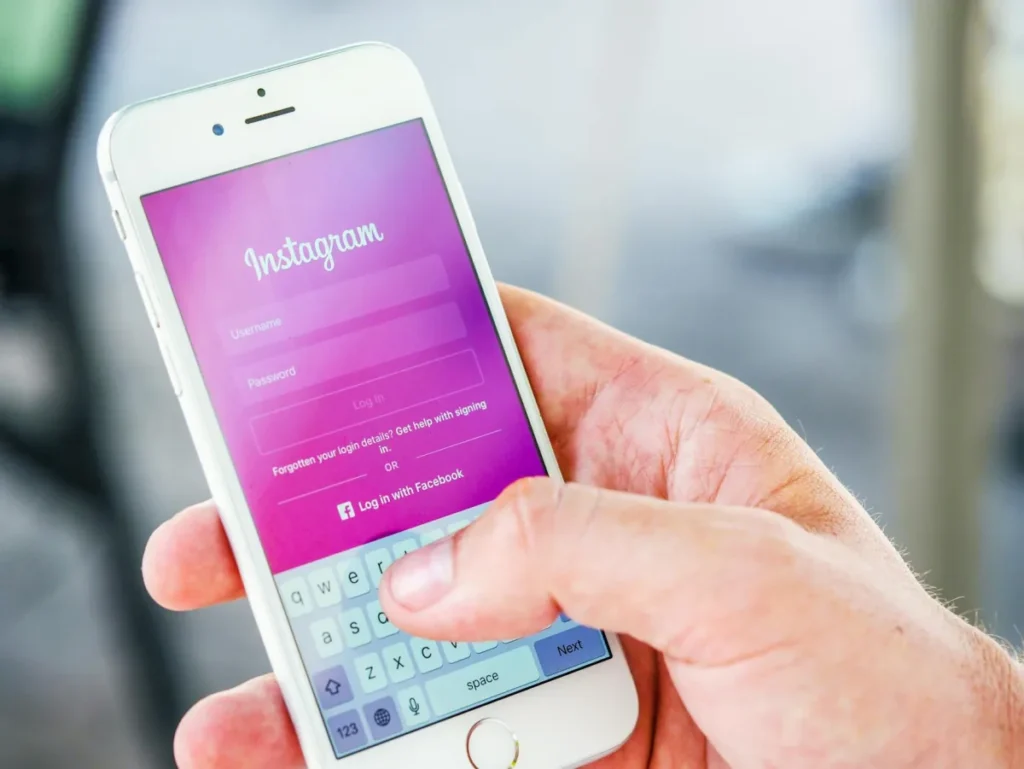
If you are still hunting for a “Security” entry inside Instagram’s settings, you will not find one. In late April 2026 Meta announced that Accounts Center becomes the Meta Account, one identity covering Facebook, Instagram, Messenger, Threads and Quest headsets. Password, two-factor authentication and email address are all handled in that single place.
The switch rolls out over a year, which explains the contradictory screenshots you keep running into. Two labels are in circulation in September 2026: Accounts Center on accounts not yet migrated, still the common case, and Meta Account for people who got the notification. The submenu is called Password and security either way. Passkeys also work on Instagram now, so fingerprint or face can replace the password entirely.
If these menus show up in another language for you, start by learning how to change the language on Instagram: the path is easier to follow.
Case 1: you know your password
Under a minute. Worth doing every six months, or right away if you typed your password on a shared computer.
From the iPhone or Android app:
- Open your profile, the menu at the top right, Settings and activity.
- At the very top, tap Accounts Center or Meta Account.
- Tap Password and security, then Change password.
- Select your Instagram account. If you manage several, check the handle.
- Enter the old password, the new one twice, and confirm.
From a browser: open accountscenter.facebook.com and go to Password and security. Same interface, easier to read on a big screen; from instagram.com, menu, Settings, Accounts Center lands in the same place. Instagram then offers to log you out of other devices: say yes, the reason is further down.
Changing your Instagram password when you no longer remember the old one. ♬ son original – AMBASSADEUR TECH SÉNÉGAL 🍏
Watch on TikTok
Case 2: you forgot your password
No point looking in the settings, you cannot reach them: the reset starts from the login screen.
- Tap Forgot password? under the password field.
- Enter your username rather than your email. A mistyped address returns a vague message that wastes minutes.
- Choose the code by email or SMS. The six digits arrive in under a minute, and the email also carries a reset link.
- Enter the code, then your new password.
The email link works once and expires within a few hours. That error page almost always comes from this: request a fresh send instead of clicking the old message again. In a browser the direct address is instagram.com/accounts/password/reset/.
Lost access to both the email and the phone number? Tap Can’t reset your password? then Try another way. Depending on the account, Instagram offers login through a linked Facebook account, a code sent to a second registered address, or a video selfie check. That last one asks you to turn your head for a few seconds; Instagram compares it with the photos on the account and answers within 24 to 48 hours. An account with no face in its posts often stalls right there, and you then need the form from the next case.
Case 3: hacked account, taking it back
This is the most common situation behind the search, and the one where two minutes of head start change the result. An attacker replaces the account email first, then turns on two-factor authentication on their own phone. After that, the normal procedure leads nowhere.
- Go to instagram.com/hacked from the device you were logged in on before: Instagram recognises the hardware and shortens the checks.
- Search your inbox for the Instagram message saying your address was changed, and click Revert this change. That link stays live for a few days and recovers the account in a minute. Almost nobody tries it.
- Otherwise, request a security code to your old address or number, and accept the video selfie if it is offered.
- Nothing works? Follow the help centre recovery path for hacked accounts with the original address ready, the phone model used when the account was created, and an old password.
In late May 2026, attackers tricked Meta’s AI support assistant into resetting passwords on accounts that weren’t theirs. Meta rushed out a fix and the assistant is still offered; accounts protected by two-factor authentication were not affected. If the account looks permanently gone, our guide on how to contact Instagram lays out the right form per situation and the waiting times people actually report.
The moment you are back in, keep going without stopping: new password, log out other devices, check the email and phone number under Personal details, two-factor authentication, then remove third-party apps you do not recognise. An attacker holding an open session or a recovery address of their own comes back within days.
A lawyer runs through the reflexes after a hack: report it to the platform, keep the evidence, change the password. ♬ son original – Yann-Mael LARHER Avocat Paris
Watch on TikTok
What Instagram accepts as a password
The official rules are looser than most articles claim. The technical minimum is six characters, with no capital letter or digit required. Signup screens push you towards eight mixed characters, but that is a recommendation, not a block. Two refusals come up constantly, and neither is about length:
- “This password is too common.” Instagram checks your entry against passwords already seen in data breaches. Sticking a digit on the end will not get it through.
- “Choose a different password.” A password already used on the account is rejected, which blocks anyone trying to go back to the old one after a forced change.
Aiming for fourteen characters settles the matter. A passphrase beats a pile of symbols: four unrelated words are easier to remember and far tougher than “Instagram2026!”. Keep your handle and the platform name out of it, those are the first combinations tried. The hole that does the most damage is a reused password: one breach on another site becomes a way into this one.
Logging out other devices
Changing the password invalidates login tokens, so sessions open elsewhere drop. You still have to accept the prompt shown right after you confirm, or some of them survive.
Then go check what is left: Password and security, then Where you’re logged in, and select your Instagram account. Each row shows a device, browser or app, with a rough location and a last-active date. That location comes from the IP address and is often off by a region, so a neighbouring city is not a red flag. A phone model you have never owned is.
The part everyone forgets: third-party apps. A scheduling tool or a stats generator you granted access to keeps its permission after a password change, because it runs on a separate token. The list is under Apps and websites. Look at Login activity too: a run of refused attempts from abroad means someone is testing your credentials.
Two-factor authentication and backup codes
A strong password protects nothing if someone talks it out of you with a fake email. Two-factor authentication holds even then. Set it up under Password and security, Two-factor authentication, then the account. Three uneven methods:
- Authenticator app (Google Authenticator, Authy, 1Password, or your phone’s keychain). The right choice: codes are generated offline.
- Passkey, new on Instagram. Fingerprint or face, no code to copy out.
- SMS, the weakest. A SIM swap moves your number to another carrier and the attacker receives your codes. Keep it as a net if you have nothing else.
That leaves backup codes, the most neglected part. Instagram generates a small set of eight-digit codes under Two-factor authentication, Additional methods, Backup codes. Each works once, and only the most recent set is valid. Above all, they only show up from a session that is already signed in, so grabbing them once you are locked out is impossible. A lost phone with the authenticator app on it, and no codes written down elsewhere, turns a three-minute recovery into a case that runs for weeks. Copy them into your password manager.
Real Instagram emails and fake ones
Far more accounts are lost by handing the password over than by forgetting it. A wave of fake reset emails hit many countries in January 2026: near-perfect messages announcing a suspicious login, with a button leading to a copy of the login page. Credentials typed there go straight to the attacker, who changes the account address within the minute.
Instagram gave you a checking tool few people know about. Under Password and security, open Emails from Instagram: the page lists the security emails actually sent over the last fourteen days. A message missing from that list is a fake.
Two reflexes clear out the rest. Legitimate emails come from domains ending in mail.instagram.com or belonging to Meta, and the displayed sender name is far easier to forge than the full address. And Instagram never asks for your password or for a code you received by SMS.
Same caution off email: nobody recovers an account on your behalf for a fee. No agency, no “ethical hacker” on Telegram, no support number shown in an ad. They fill in the same form you would, or make use of whatever you hand them. If you already entered your credentials on a fake page: change your password, log out other devices, turn on two-factor authentication.
Account secured, now for the growth
After a hack or a long break, reach takes weeks to come back. A base of real followers puts your posts back in circulation from the first days.